
EN

Download PayInRussia app on your iPhone or Android

Fill in your name, phone and travel passport number – your account is ready

Replenish your balance online in minutes – no bank visit

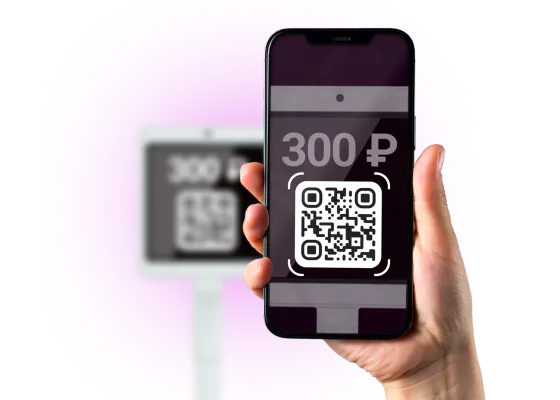
Pay with your phone via QR code anywhere in Russia

1.
Open app.payinrussia.com in Safari.
2.
Tap the Share icon at the bottom
3.
Scroll down and tap Add to Home Screen. Then tap Add
4.
Just tap PayInRussia icon on your home screen to start

1.
Download application from here
2.
Tap Install to confirm
3.
PayInRussia app is now on your home screen — just tap it to start
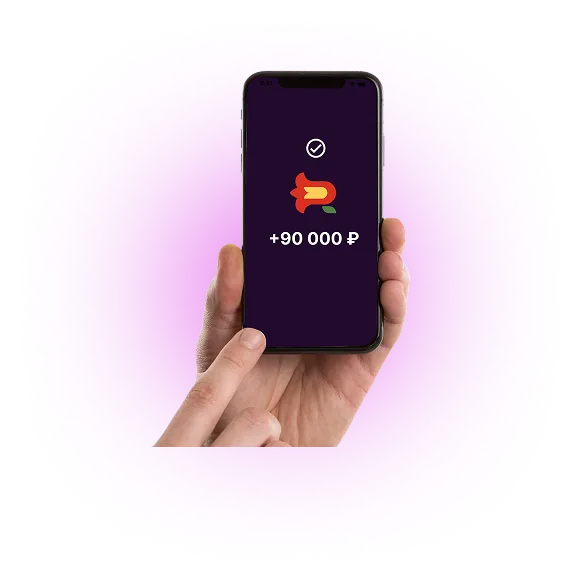
Add money to your balance anytime in the app - it is fast, easy
and secure
• Up to 600 000 rubles – with quick identification
• Up to 15 000 rubles – no identification required
• Restaurants
• Taxi
• Hotels
• Shops
• Museums

Purchase online while in Russia or before you arrive:
• Tickets for tourist attractions and excursions
• Hotel and airline booking services
• Domestic transport tickets within Russia
• Online shops and Marketplaces
1.
Open the PayInRussia app on your phone
2.
Tap the QR-icon and scan the QR code at the counter, on a terminal, or on a website
3.
Confirm your payment